I cant get phone.systems app to work
Ive logged into the website, hit launch phone or whatever
Can I use another app, perhaps Zoiper?
Could you take a screenshot and post it here, please?
Do you see a green indicator at the top of the app showing you’re online and logged in?
We just had the app resend you an invite (which you can do from the users menu).
You can use it, just set a SIP account as a contact method.
Then add it to the ring group in the panel (which you already have there).
Use the SIP account credentials from the “Contact Method” in Zoiper or any other SIP client.
Thanks and standing by.
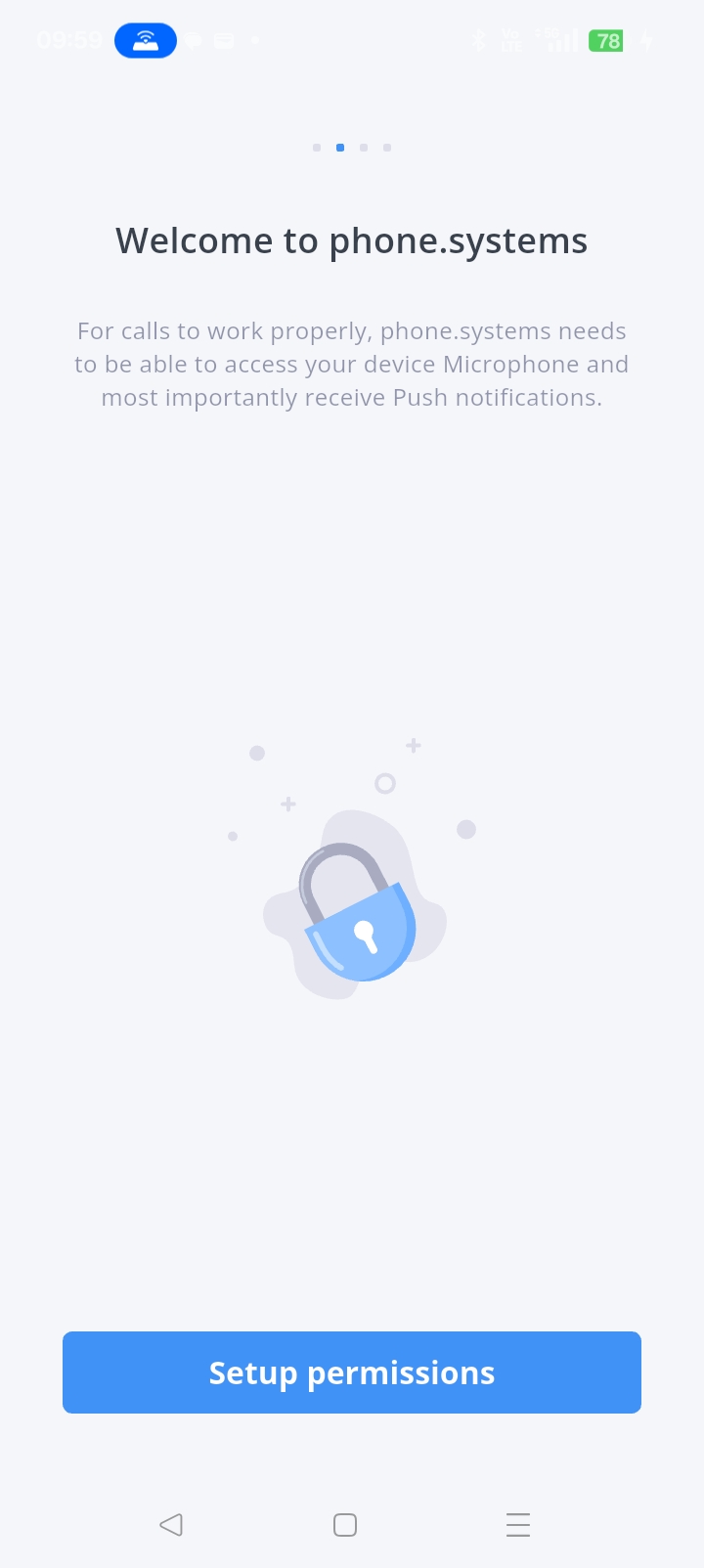
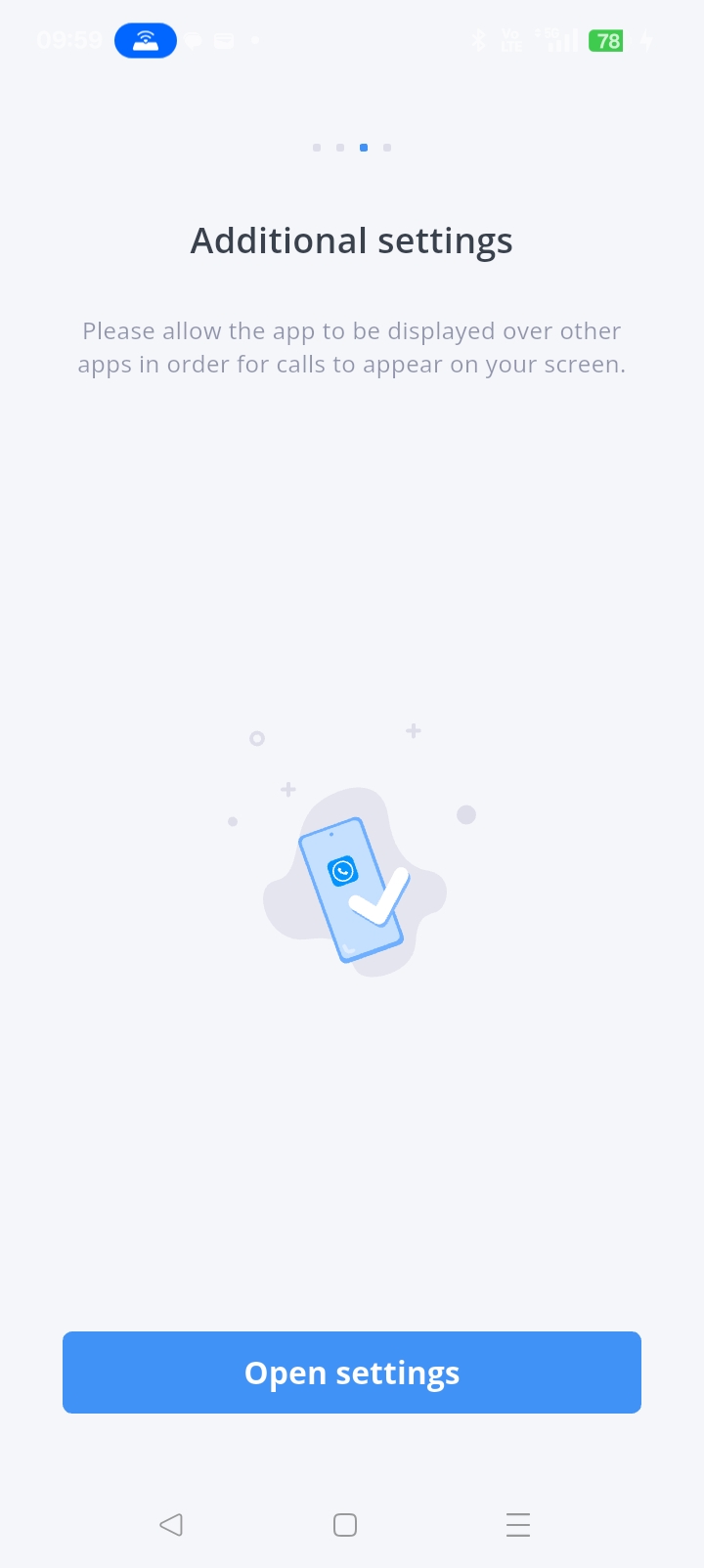
This WAS the welcome screen (when installed)
Now this is the welcome screen when launched.
no other options
yes I used the code to register the app after installing
:Do you see a green indicator at the top of the app showing you’re online and logged in?
NO!
Where do I find the SIP account?
I cannot get into Zoiper on the android phone (its asking for login which I dont remeber) so I cant go to: “Contact Method” in Zoiper
Please let me know what hours you are vailable by phone. This is too painful too do one step at a time over weeks by emails
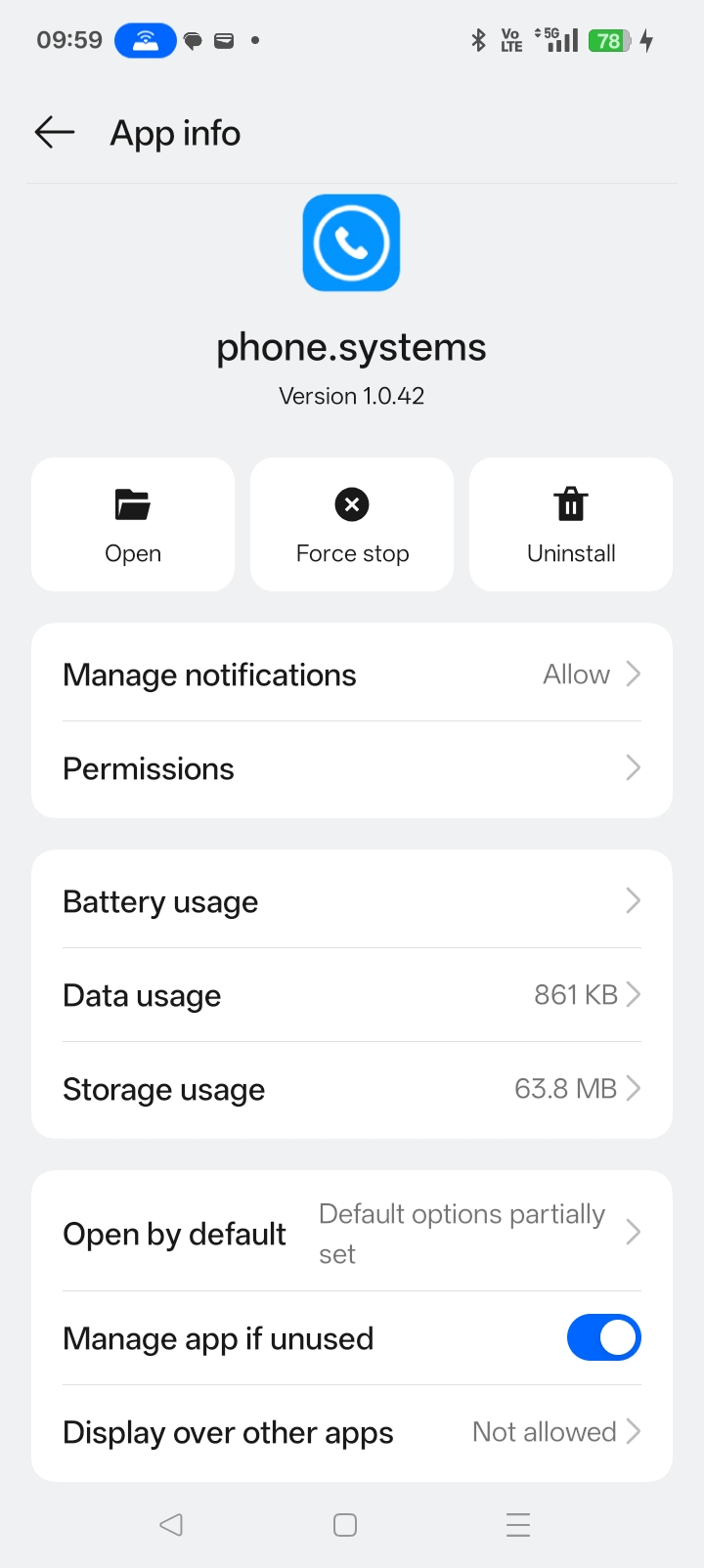
It seems it’s set up, but what happens when you go back to opening the app after the settings were opened?
Linguini:
Where do I find the SIP account?
I cannot get into Zoiper on the Android phone (it’s asking for a login which I don’t remember), so I can’t go to: “Contact Method” in Zoiper.
Also, we can set up the SIP from here and send you the SIP credentials directly. Let me know, and I can send that via the account directly.
YES, Please get this running. I am very frustrated
Hi @Linguini ,
Apologies on the delay with this.
This was updated via email in regards to the app screenshots.
Could you please check that out and provide feedback?
Sent you some screenshots.
If anyone comes across this thread, that info would be under Contact methods, SIP accounts.